
3D, VR and Training Applications
Segaris Media Teknologi
Interactive Media for Industrial Training
We turn manuals, procedures and equipment into 3D applications, VR simulations and computer based training for aviation, transportation, automotive and heavy-equipment teams.
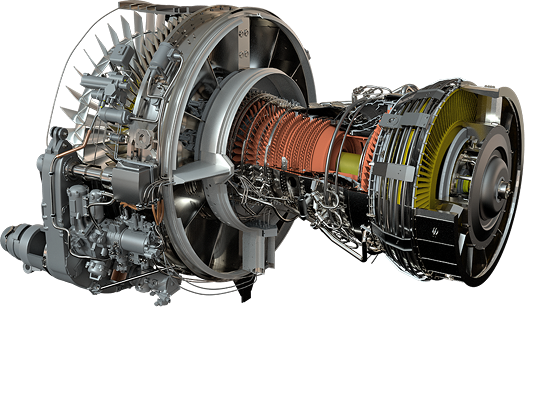
What we do
Custom Development, Solutions and Software
Most clients come to us for an application built around their own equipment. We also deliver complete training facilities, and we make our own 3D platform.
Custom Development
3D interactive apps, VR and XR, web and mobile apps and computer based training, plus 3D models and animation, made for your equipment and procedures.
Integrated Solutions
Complete training facilities: smart classrooms and computer labs with software, hardware and local network, plus aerial data from dronexus.
VIQUBED Studio
Our own platform for building 3D training content that trainees can explore, navigate and simulate.
Solutions in practice
From the Classroom to the Field
Besides training software, we build the rooms, the hardware and the aerial data services that go with it.
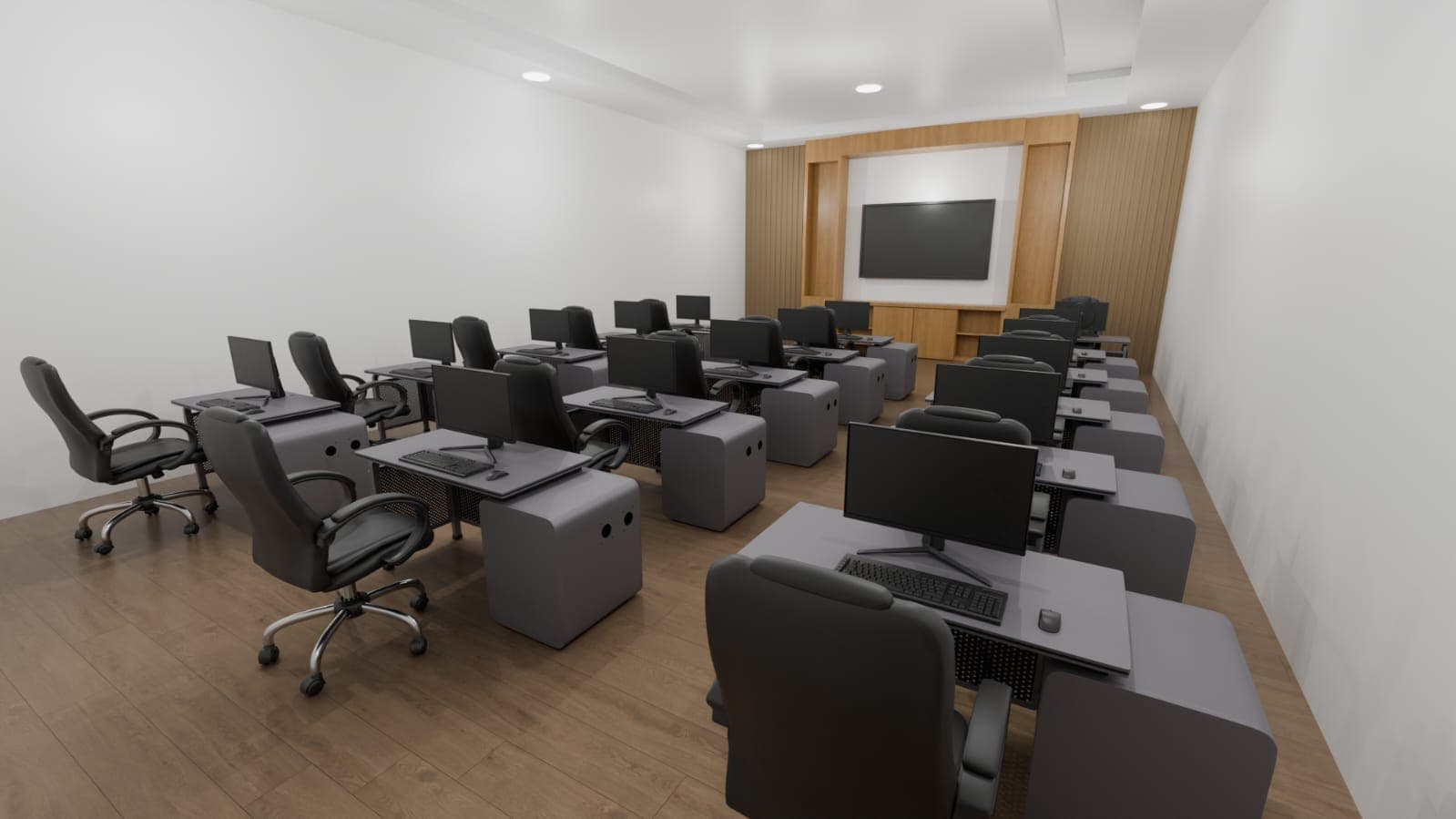
Integrated Classroom
Software, hardware, local network, user training and maintenance for training centers, smart classes and computer labs.
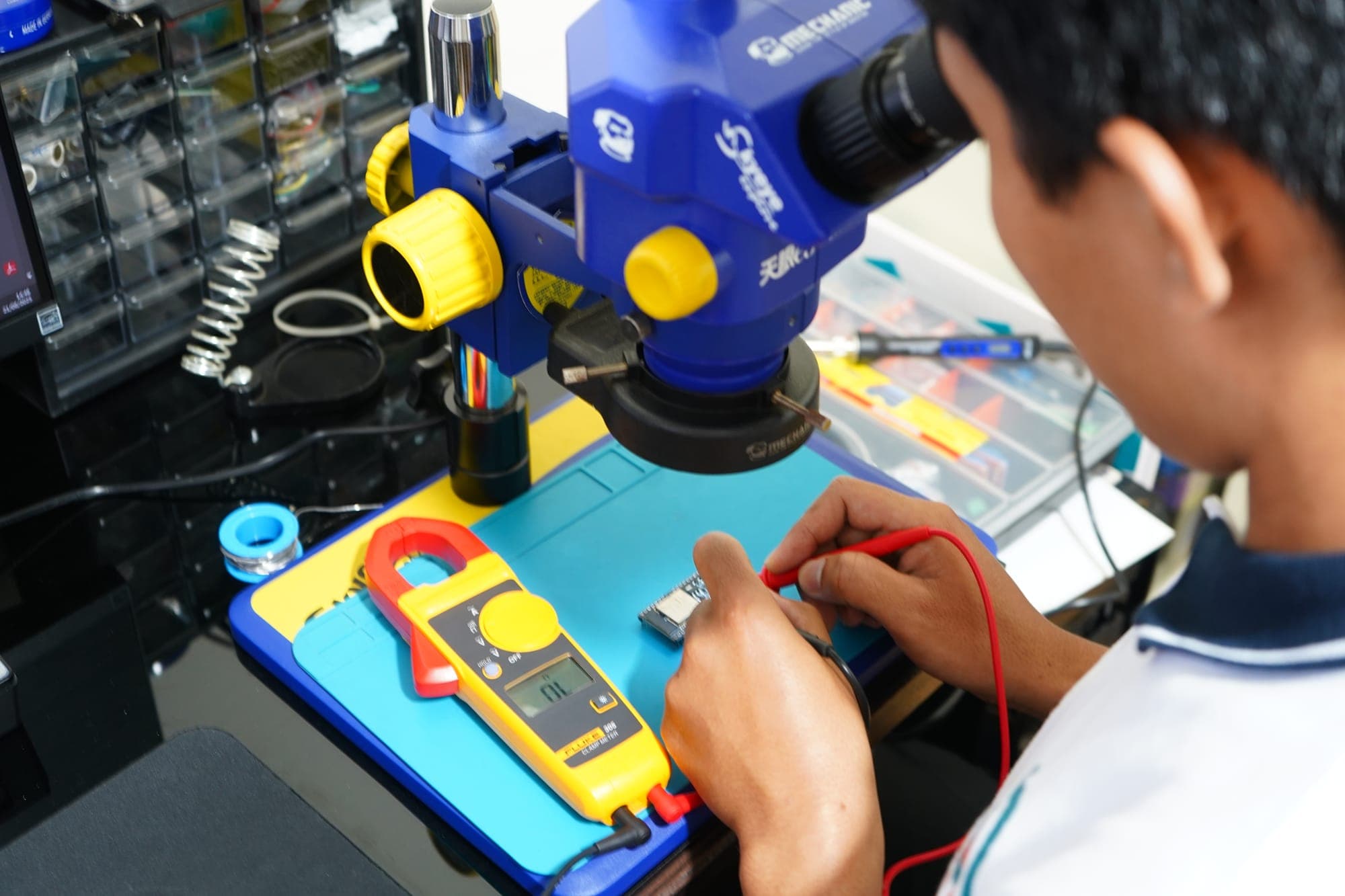
Integrated Hardware
Help choosing the right hardware, and custom hardware development that connects your software to physical operations.
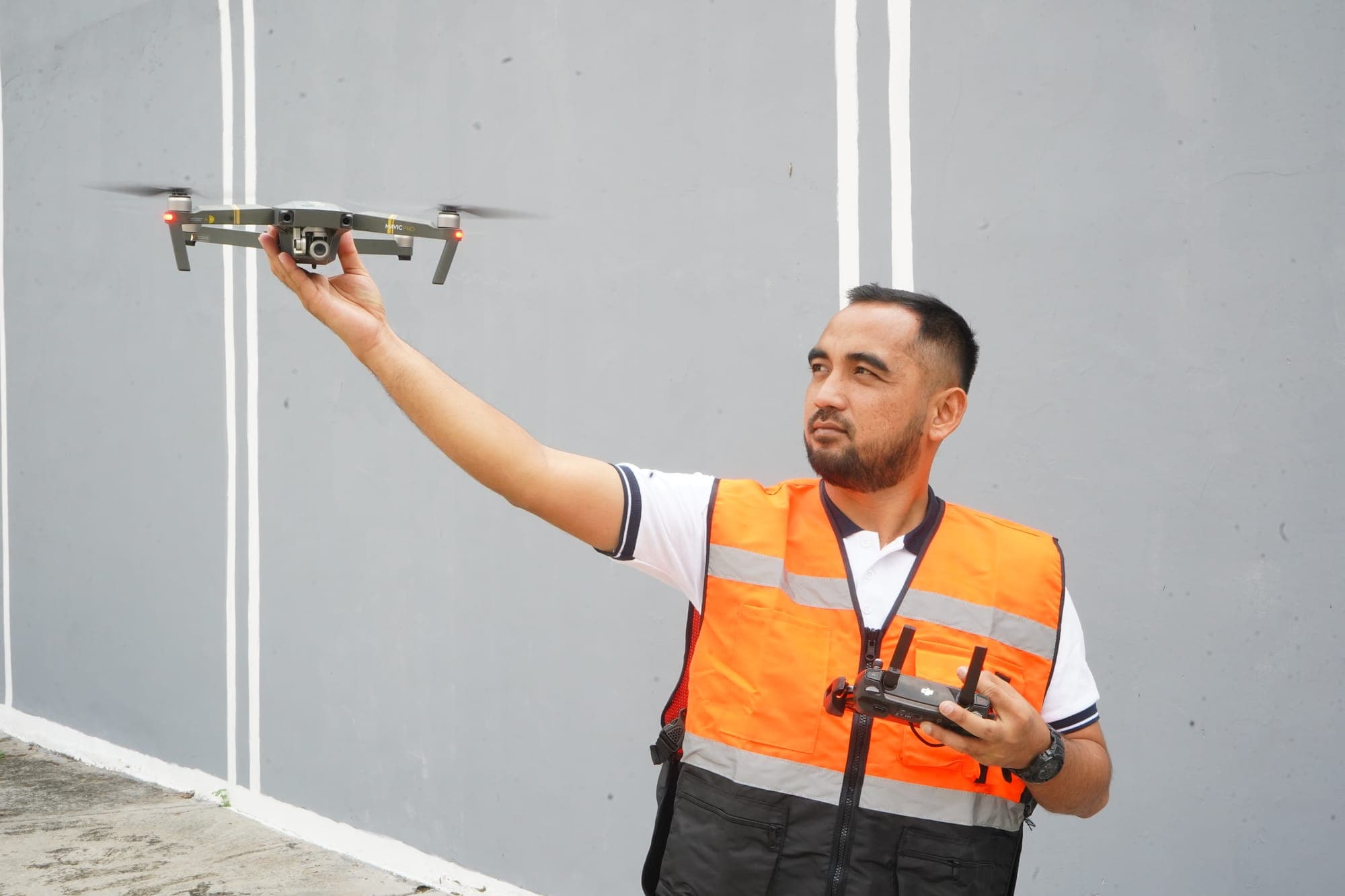
dronexus
Aerial and geospatial data from certified drone pilots and geospatial experts, for construction, agriculture, mining and urban planning.
How we work
From Your Material to Trained Users
Every project runs through the same four steps. You receive a timeline and quotation once we have reviewed your material.
Review your material
Send your manuals, SOPs, technical drawings, photos or CAD files. We review them with your trainers and agree on the learning goals.
Plan scenes and devices
We plan the scenes and interactions around the devices your trainees already use, then send the timeline and quotation.
Model and build
Our team models the equipment, or optimises your CAD files, and builds the application for desktop, web, mobile or VR.
Deploy, train and maintain
We deploy the application, train your users and provide maintenance. Classroom packages also cover the hardware and local network.
Before you start
Questions We Often Hear
Short answers about how a training project with Segaris works. Ask us directly if yours isn't here.
What do you need from us to start a 3D training module?
Your existing material: manuals, SOPs, technical drawings, and photos or CAD files of the equipment. We review it with your trainers, agree on the learning goals, then plan the scenes and interactions before production starts.
Which devices can the training run on?
We build for desktop, the web (WebGL), mobile devices and VR headsets. Tell us which devices your trainees already use and we plan the build and performance around them.
Do we need VR headsets?
Not necessarily. Many modules work well on a regular computer or tablet. VR and XR pay off for high-risk scenarios that are hard to practise on real equipment, and we'll say so when a screen-based version is enough.
Can you use our existing CAD or 3D models?
Yes. Existing CAD or 3D files can be optimised for real-time use. When no model exists, our team models the equipment from technical drawings and reference photos.
Can the results connect to our LMS?
Our CBT modules include assessments and progress tracking. If you already run an LMS, share its details and we'll discuss how results can be exported or connected to it.
What happens after the application is delivered?
We deploy it, train your users, and provide maintenance. Integrated classroom packages also cover the hardware and the local network (LAN).
How long does a project take?
It depends on the number of scenes, the level of interaction and the target platforms. After reviewing your material, we send a timeline and quotation for your project.
Let's Connect and Discuss
Tell us your training goals and we'll suggest the technology that fits your company.